System Requirements #
-
WordPress: Version 5.8 or higher (WordPress 6.x recommended)
-
WooCommerce: Version 6.0 or higher
-
PHP: Version 7.4 or greater (PHP 8.1+ recommended for optimal performance)
-
MySQL: Version 5.7 or greater OR MariaDB: Version 10.3 or greater
-
PHP Memory Limit: 256 MB or higher
-
HTTPS / SSL Certificate: Recommended for secure checkout and AJAX operations
Note: To use this plugin, you must have a working installation of WordPress and WooCommerce already set up. If you need help installing WordPress, please refer to the official WordPress Installation Guide.
Plugin Installation #
Free version install #
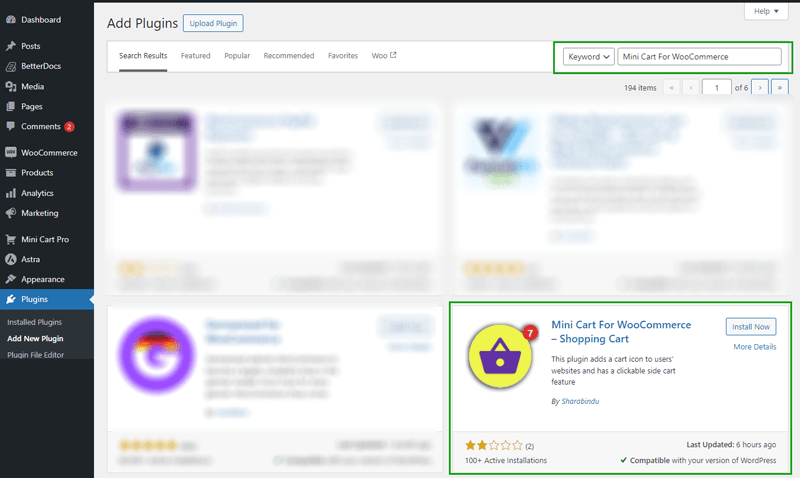
To install the free version plugin go to WordPress Dashboard and Plugins > Add New > then enter QR Code Composer in the search box.
Or go to the link and download the plugin, then install
Premium version install: #
Go to the Plugins menu on your Site Dashboard, click the Add New link, then click the Upload Plugin button, and then click Choose File, input your downloaded file.

Active The Plugin #
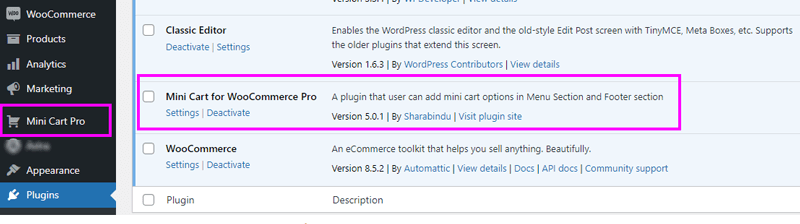
After activating the plugin you will see the settings button as shown in the image below, click this button to go to the settings page
How to Update the Plugin #
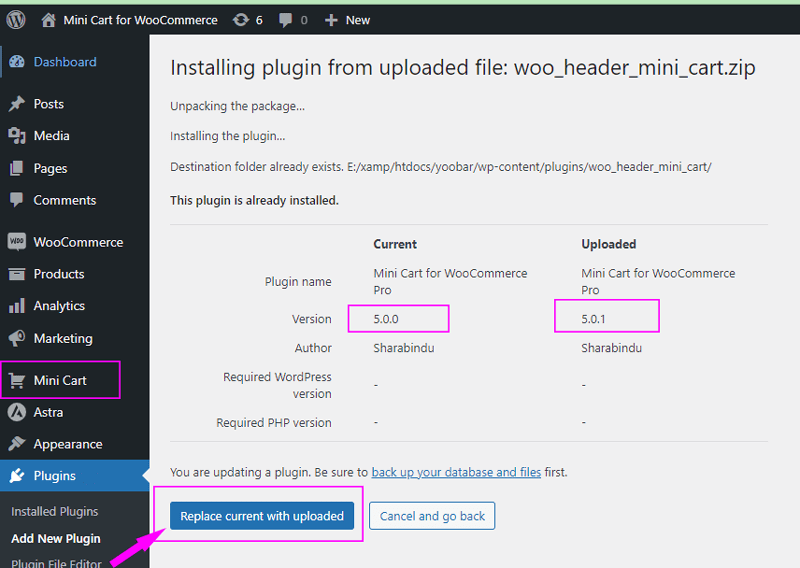
When we update the version we will notify you by mail to your mail address, then download the updated version from your account and install the process as before, you will see the interface below, Now Click the Replace current with uploaded button, Update version plugin will active
Active License: #
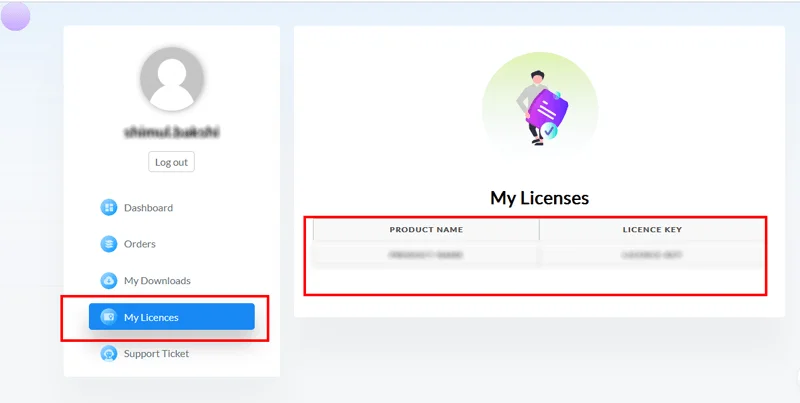
First of all, go to the My Account page to collect the license key according to toy your account. login to your account

Then go to the My Account link and copy the license key
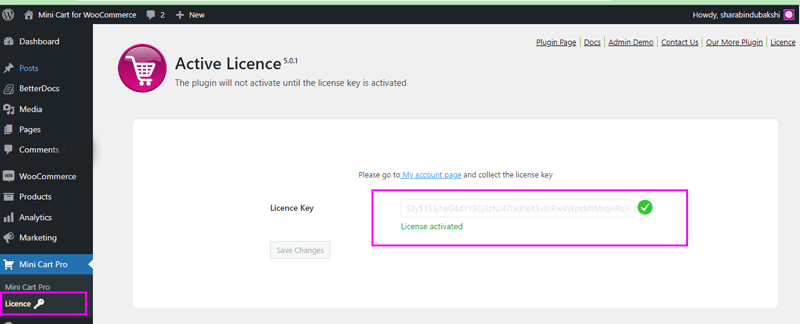
Now go to the license page from the settings page paste the license key and save. Your plugin will be activated